Picture a woman who runs a small blog about watercolor painting. She has forty tutorials, a few hundred loyal readers, and a quiet suspicion that Google barely notices her. Her brushes are excellent. Her backlinks are nearly nonexistent. She has heard that links from other sites can help, but every guide she opens assumes she already knows words like DR, anchor text, and placement. This article walks through the process one step at a time, using a marketplace called Backlink247 as the working example, so a hobbyist can move from "I have no idea" to "I placed one link and I know how to judge it."
A quick definition first. A backlink is a link from someone else's website to yours. Search engines treat links a bit like references in a book: when a respected, relevant page points to your page, it is a signal that your page is worth reading. A textlink is simply a link placed inside written text on another site, usually on an existing article or page, rather than a banner or an ad box.
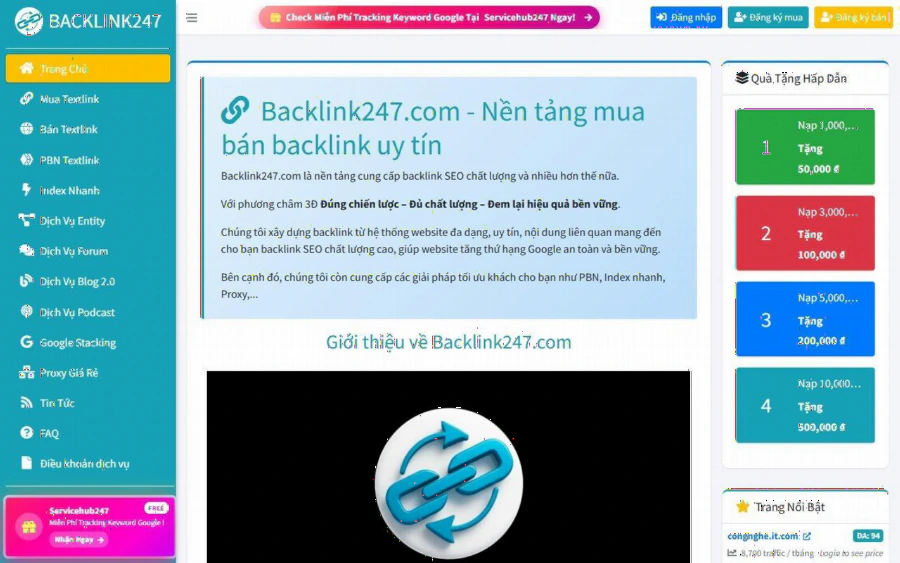
Backlink247 homepage describing itself as a platform for buying and selling backlinks, with deposit bonus cards on the right
The homepage of the platform describes itself as a marketplace for buying and selling backlinks, and adds services such as PBN, fast indexing, and proxies. The site is written in Vietnamese, so a non-Vietnamese reader will need a translation tool in the browser. That is the first honest limitation, and it matters for a hobby blogger abroad.
Step 1: Decide what one link is supposed to do
Before opening any marketplace, write one sentence: "I want this page to be found by people searching for X." For the watercolor blogger, X might be "how to paint a wet-on-wet sky." One page, one goal. Spreading a small budget across ten pages usually proves nothing, while one well-chosen link on one page lets you watch what happens.
Pick a page that already deserves attention. A thin page with a stack of links pointing at it is a poor bet. A tutorial that readers already finish, share, and bookmark is a better candidate, because if a visitor arrives from the new link, the page can keep them.
Step 2: Register and look at the marketplace before paying
According to the buy page, the marketplace lists 717 sites, shown 100 per page. Each row shows the page URL with category tags, a DA/DR pair, monthly traffic, a homepage price per month, a full-page price per month, and whether automatic link placement is available. The page also offers a "Kiểm tra DA/DR" button so you can verify the authority numbers yourself rather than trusting the listing.
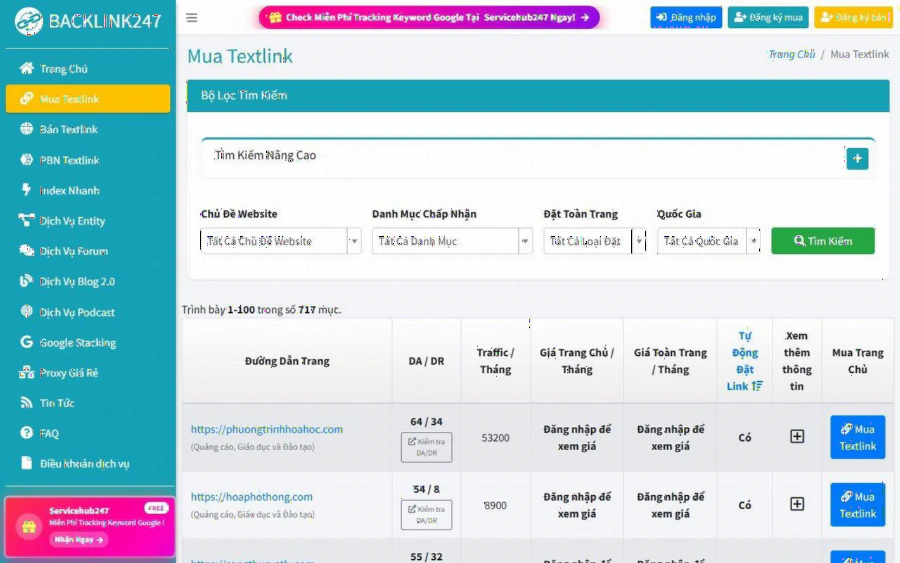
Backlink247 textlink buying page with filters for topic, category, placement type, and country above a table of sites with DA/DR and traffic
Here is a detail worth knowing before you get attached to a plan: the listings show "Đăng nhập để xem giá," which means "log in to see price." Prices are not public. You will need a free account to see them, and I cannot quote any number here because the page does not publish one. The homepage does show deposit bonus cards, for example topping up 1,000,000 VND gives a 50,000 VND bonus, and topping up 10,000,000 VND gives 500,000 VND. Treat those as an incentive to read the terms, not as a reason to deposit a large amount on day one.
A sensible habit for a small blogger: register, browse, and deposit nothing until you have shortlisted three candidate sites and seen their prices.
Step 3: Filter by topic first, numbers second
The buy page has filters for website topic, accepted categories, placement type (a single page or the whole site), and country. It also has minimum and maximum fields for DA, DR, and traffic. Beginners tend to sort by the biggest authority number. That is usually the wrong first move for a hobby site.
Start with topic. A watercolor tutorial gains more context from a link on a page about art, crafts, or education than from a high-authority page about something unrelated. The filter list on the page includes categories such as advertising, education and training, so look for the closest fit your topic allows. If the closest fit is only loosely related, that is a signal to lower your expectations, not to ignore the mismatch.
Then use the numbers as a sanity check:
- Is the monthly traffic plausible for the topic, or does it look inflated?
- Does the DR you verified with the check button roughly match the listing?
- Is the site's country close to your audience? The visible listings are mostly based in Vietnam, with some in the United States, so an English-language hobby blog may find a narrow match.
Step 4: Choose homepage or full-page placement, and pick the anchor
The listings show two prices per month, one for a link on the homepage and one for a link across the whole site. These are different products. A homepage link is visible to every visitor of that site's front page. A full-site link appears on every page. For a first test, the cheaper and more controlled option is usually enough, though you should read the listing and confirm which one the price refers to.
Now choose your anchor text, the clickable words. Keep it natural. For our blogger, "wet-on-wet watercolor sky tutorial" reads like something a person would write. Repeating the exact same keyword phrase for every link looks unnatural and can invite scrutiny. Mix descriptive phrases, the blog's name, and occasionally the plain URL.
The FAQ section of the site mentions rules for changing the anchor and destination URL of a textlink after purchase, which suggests you are not locked in forever if you make a typo. The article names the rule but I could not read its details from the listing, so open that FAQ article and read it before ordering.
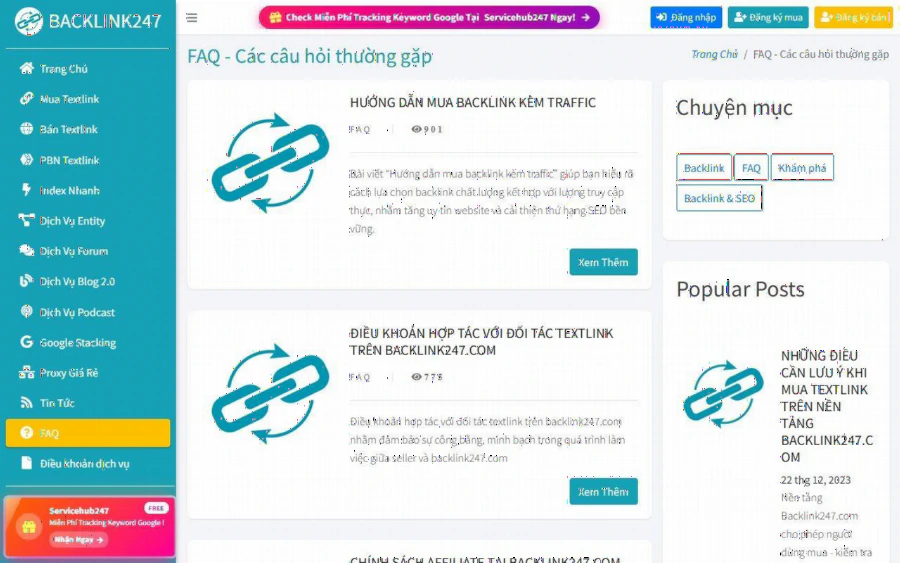
Backlink247 FAQ page listing articles such as a guide to buying backlinks with traffic and partner terms for textlinks
Step 5: Place the order and check that the link is live
After you click the buy button on a listing and pay, do not assume the job is done. Open the page that was supposed to carry your link. Check four things: the link exists, the anchor text matches what you ordered, the destination is the correct page, and the link is not hidden or marked in a way you did not expect.
The marketplace's own materials describe a refund topic for cases where a textlink does not appear on the site, and a separate page titled as a rule for checking textlinks. I could not see the exact terms or time windows on the public pages, so the practical advice is simple: check early, keep screenshots, and contact support quickly if something looks wrong.
Be skeptical of anyone, this platform included, who promises a specific ranking from a single link. Nothing on the public pages promises one, and you should not assume one.
Step 6: Measure after four to six weeks, and decide what to repeat
Before buying, save a screenshot of the page's Search Console numbers. Now compare against it. In Search Console, compare impressions, clicks, and average position for the target page. Search results move for many reasons, so one link can rarely be proven as the cause. Look for a pattern over several weeks.
Ask whether referral visits arrived from the linking page, whether the target page gained impressions for your chosen query, and whether the cost was reasonable next to what one extra reader is worth. If the blog is purely a passion project, buying links may not make sense at all, and a guest article on a related art site or simply more tutorials may be a better investment.
Who should use this, and who should not
Backlink247 looks most useful for people who can read Vietnamese or are comfortable translating pages, who target Vietnamese-speaking audiences, and who want to filter by topic, traffic, and authority before paying. The blog on the site covers textlink buying tips, and you can read the platform's own material through a step-by-step walkthrough of buying textlinks before creating an account.
It is a weaker fit if you need public prices before registering, an English interface, or a catalog centered on US or UK sites. It is also a poor fit if you expect a single purchase to change your rankings overnight. Paid links also carry risk with search engines, and you should read Google's guidance on link schemes and decide how much risk suits your site.
A simple starting plan
Pick one page. Save your Search Console numbers. Register without depositing. Shortlist three sites by topic, verify their DR, and compare prices after login. Buy one link with natural anchor text, confirm it is live, and wait about a month before judging. If it helped, repeat on a second page. If it did not, you have learned something cheaply, and your watercolor tutorials are still there, still good, and still waiting for readers.